
Hub Elementor - Upsell & Crossell for WooCommerce
Upsell and cross-sell products help increase average order value by recommending related items to customers. Hub fully supports WooCommerce’s built-in upsell and cross-sell features and displays them automatically on product and cart pages.
Steps
- In the WordPress dashboard, go to Products.
- Open the product you want to edit.
- Scroll down to the Product data section.
-
Open the Linked Products tab.
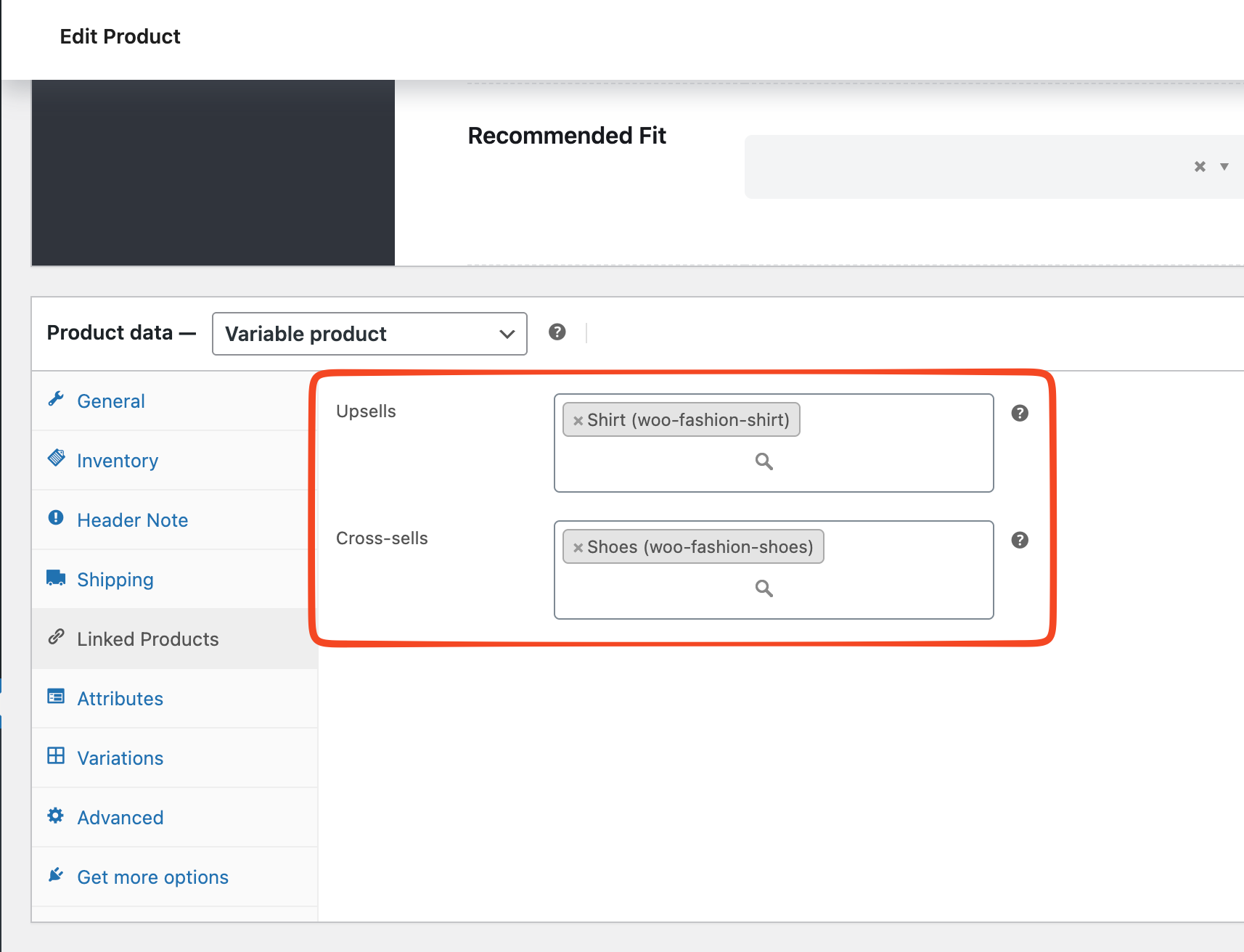
- Add products to the Upsells field.
- Add products to the Cross-sells field.
- Click Update to save the product.
Result
Upsell products are displayed on the single product page. Cross-sell products are displayed on the cart page after the product is added to the cart.
Upsell product:

Crossell product:

Troubleshooting
-
Upsell or cross-sell products do not appear
Make sure the linked products are published and in stock.